Top Free Time Tracking Tools for Freelancers
Top Free Time Tracking Tools for Freelancers
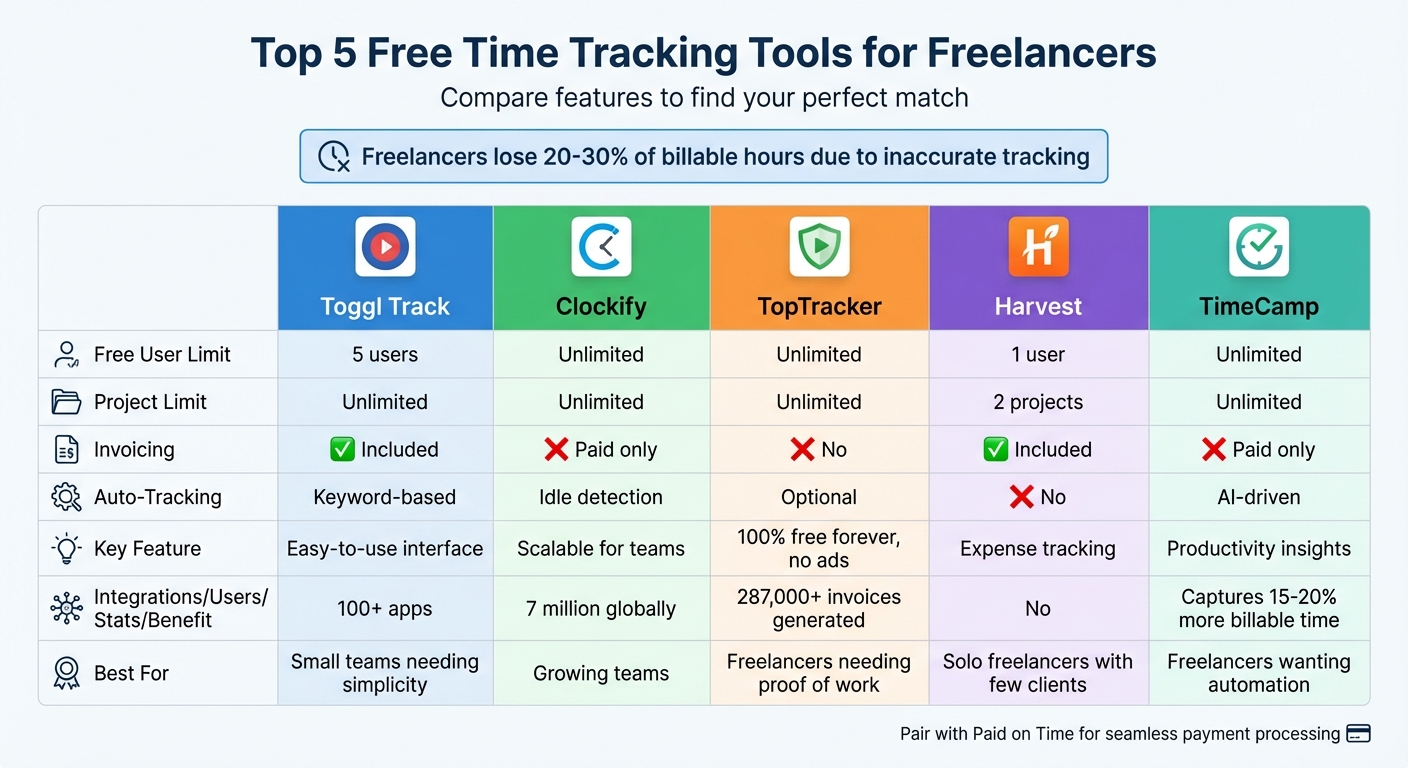
Freelancers often lose 20–30% of billable hours due to manual or inaccurate time tracking, which can cost tens of thousands of dollars annually. Free time tracking tools can help you log hours precisely, analyze productivity, and create audit-ready records for accurate invoicing. Here are five top free tools you can start using today:
- Toggl Track: Simple one-click tracking with unlimited projects and built-in invoicing for up to 5 users. Integrates with 100+ apps.
- Clockify: Offers unlimited users and projects with a "Free Forever" plan. Best for growing teams, though invoicing requires a paid plan.
- TopTracker: 100% free with no ads or upgrades. Includes optional screenshots and global payment support.
- Harvest: Combines time tracking with expense management but limits free use to one user and two projects.
- TimeCamp: Automatic tracking with unlimited users and projects. Advanced features like AI categorization are available on paid plans.
Quick Comparison:
| Tool | Free User Limit | Project Limit | Invoicing | Auto-Tracking | Key Feature |
|---|---|---|---|---|---|
| Toggl Track | 5 users | Unlimited | Included | Keyword-based | Easy-to-use interface |
| Clockify | Unlimited | Unlimited | Paid | Idle detection | Scalable for teams |
| TopTracker | Unlimited | Unlimited | No | Optional | Completely free, no upgrades |
| Harvest | 1 user | 2 projects | Included | No | Expense tracking |
| TimeCamp | Unlimited | Unlimited | Paid | AI-driven | Productivity insights |
Choose a tool that aligns with your workflow, and pair it with services like Paid on Time for seamless invoicing and payment processing. Accurate tracking ensures you get paid for every hour worked.
Free Time Tracking Tools Comparison for Freelancers
I Reviewed 13 Best Time Trackers of 2024 (so you don't have to)
sbb-itb-66f4c95
Free Time Tracking Tools for Freelancers
Keeping track of your time not only ensures accurate billing but also makes invoicing a breeze. Below are some of the best free tools that can help freelancers manage their time effectively.
Toggl Track
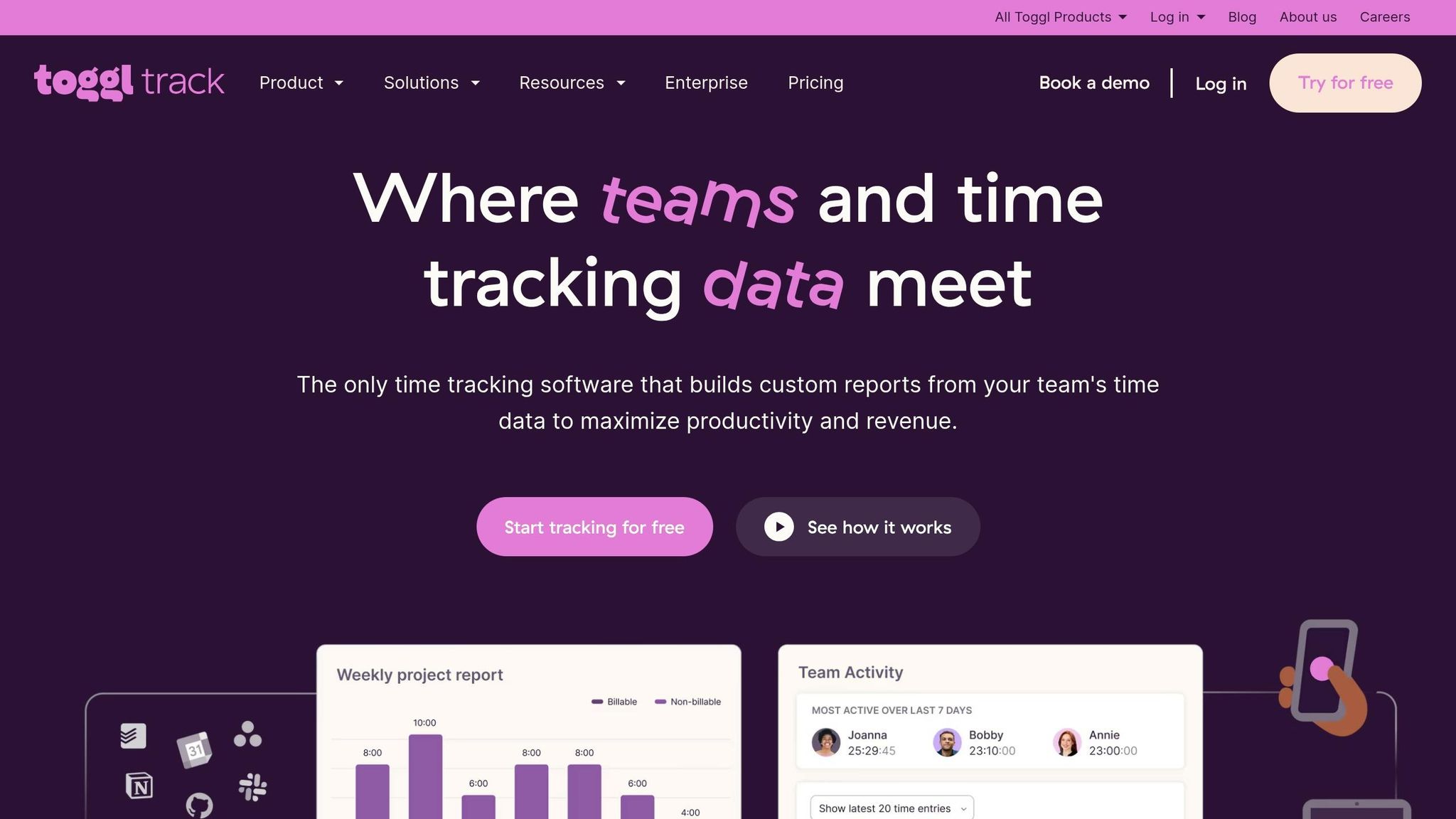
Toggl Track is all about simplicity and speed. With its one-click timer, you can start tracking your time instantly. Frequent tasks can be saved as favorites for easy access, and it integrates seamlessly with Google and Outlook calendars, letting you turn scheduled events into time entries.
The free plan supports up to five users and offers unlimited projects, making it a great fit for solo freelancers or small teams. Unlike many competitors, Toggl Track's free version includes invoicing and over 100 integrations via browser extensions. Plus, it has a strong stance against surveillance - no screenshots or webcam monitoring - ensuring a straightforward experience. It's trusted by over 70,000 businesses worldwide.
"Clients love the summaries, colleagues love the simplicity. We have used it for 7+ years and it is still going very well. The ease of use of Toggl Track is unprecedented." - Jakub H, Founder of a design agency
That said, the five-user limit might not work for larger teams.
Clockify
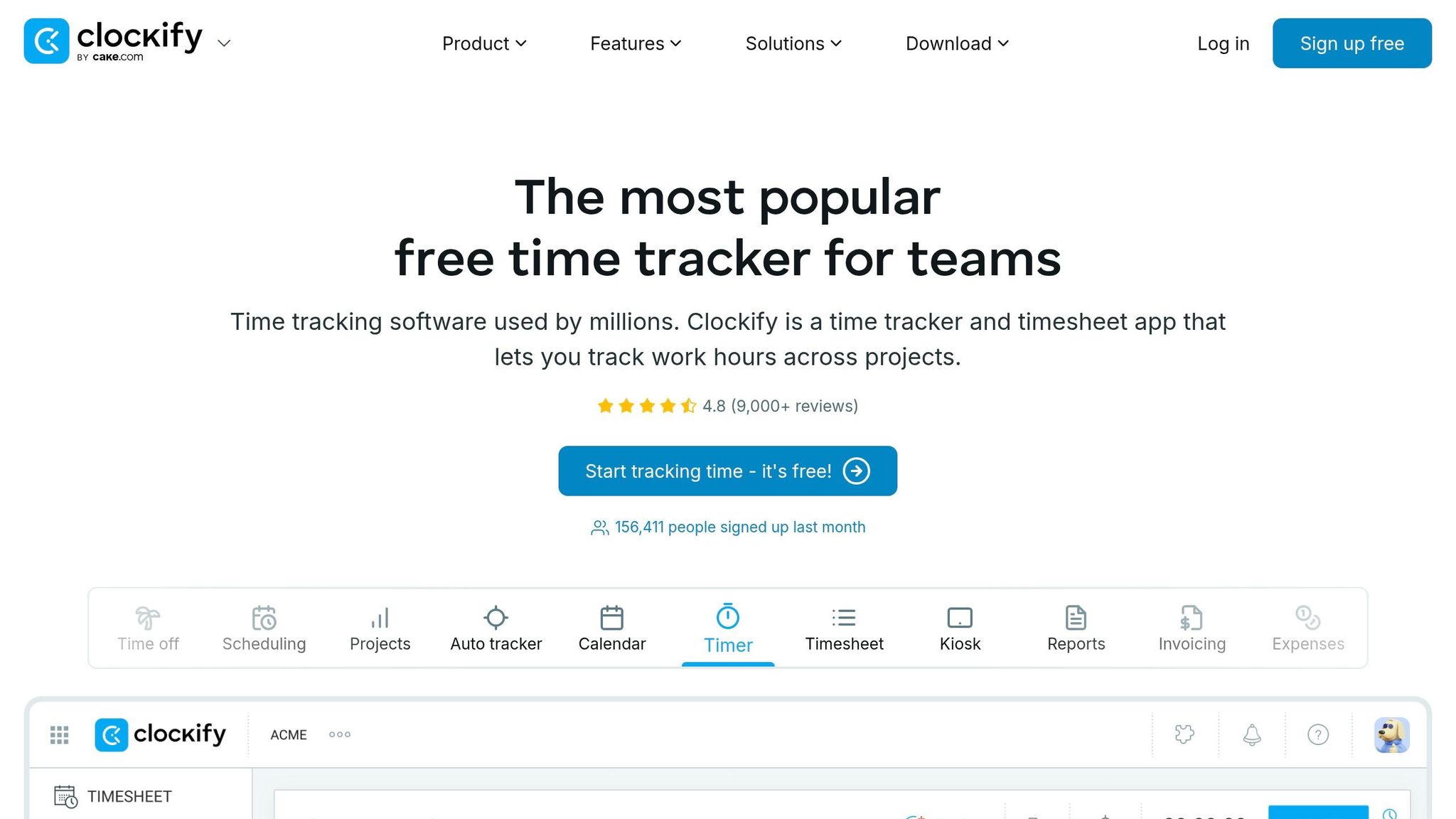
Clockify stands out with its "Free Forever" plan, which supports unlimited users and projects. This makes it a scalable option for freelancers who plan to grow their teams. With over 7 million users globally, it’s a trusted choice.
Clockify combines time tracking with project management and basic accounting tools, offering features like budgeting and detailed time logs. It boasts a 4.8/5 rating from over 9,000 reviews.
"Clockify is the easiest to use time tracking tool and has given me the most beneficial time tracking experience." - Luis Miguel Rivas Zepeda, Software Engineer
However, invoicing is only available on paid plans, starting at $3.99 per user per month.
TopTracker
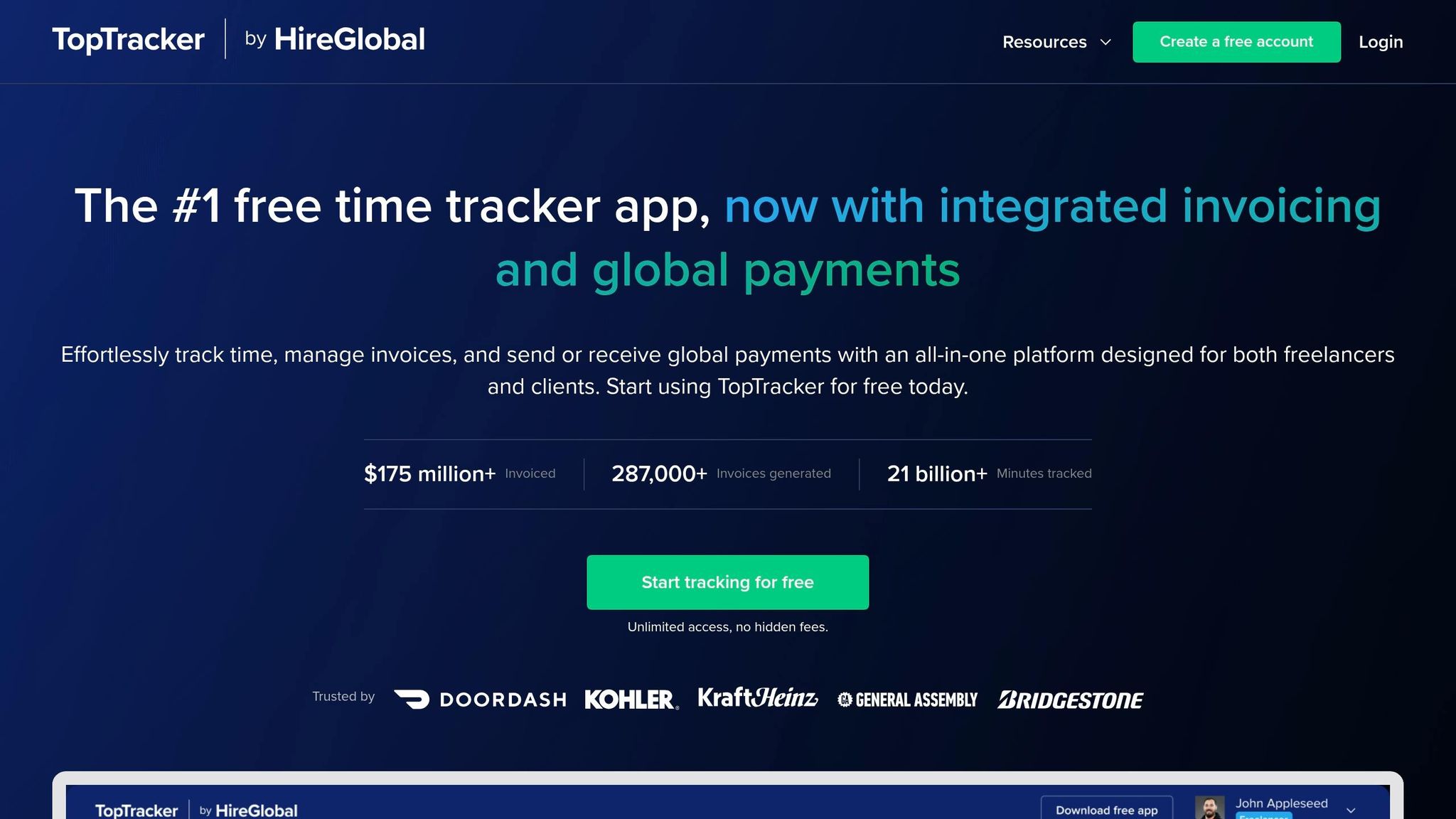
TopTracker is a standout because it’s completely free - no ads, no trials, no paid upgrades. With over 21 billion minutes tracked and more than 287,000 invoices generated, it’s proven its reliability.
Freelancers needing to provide proof of work will appreciate features like optional screenshots, webcam capture, and keystroke tracking. Privacy controls are adjustable, so you can decide how much detail to share. It also supports global payments through HireGlobal, though a small transaction fee applies. The desktop client is available for Windows, Debian, and RPM.
Harvest
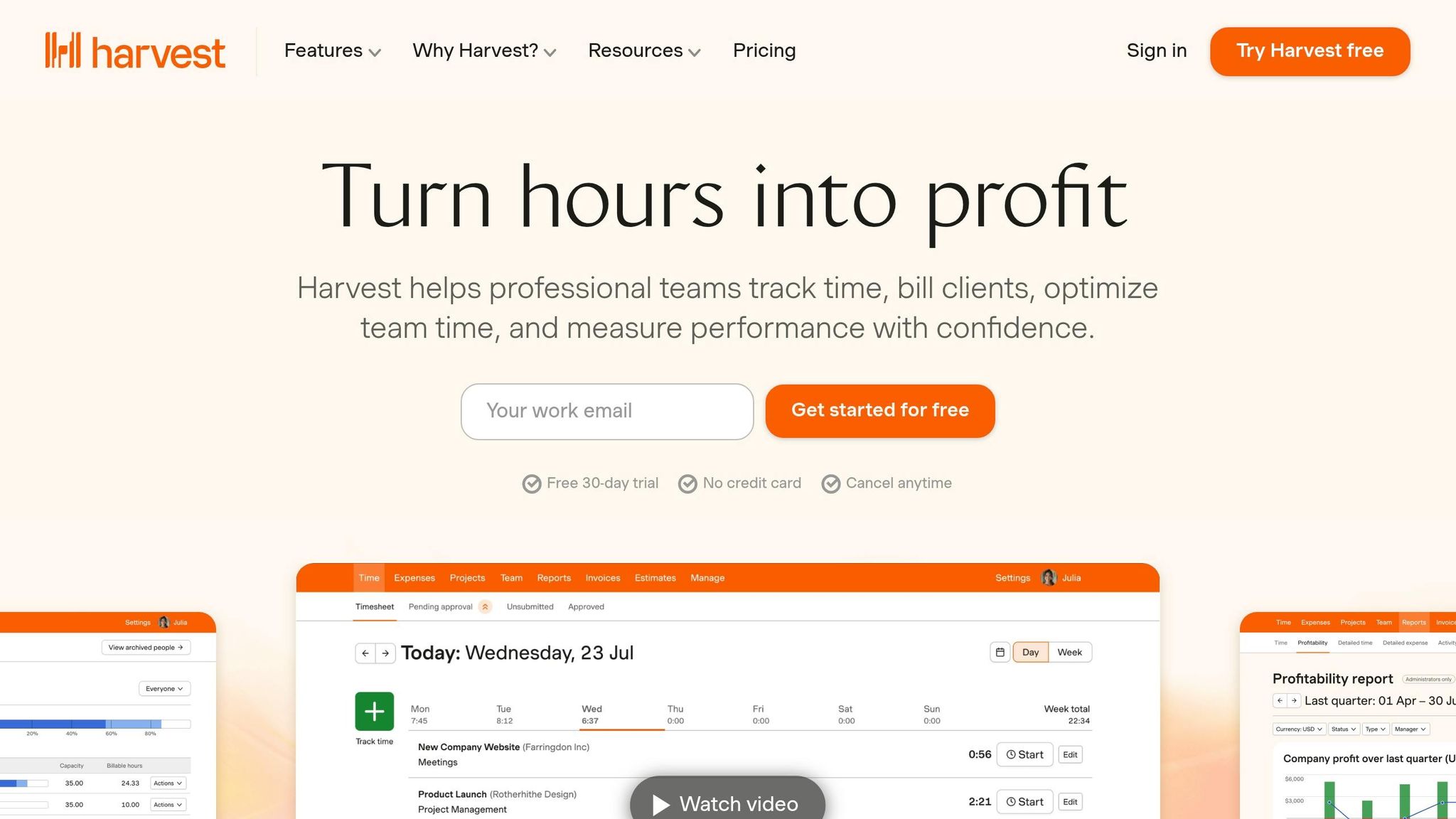
Harvest makes it easy to log hours and turn them into invoices. It also includes tools for tracking expenses and managing team capacity, giving freelancers a better overview of their finances.
However, the free plan is quite restrictive - it’s limited to one user and two projects. While this might work for a solo freelancer with minimal clients, it’s not ideal for those with a growing workload.
TimeCamp
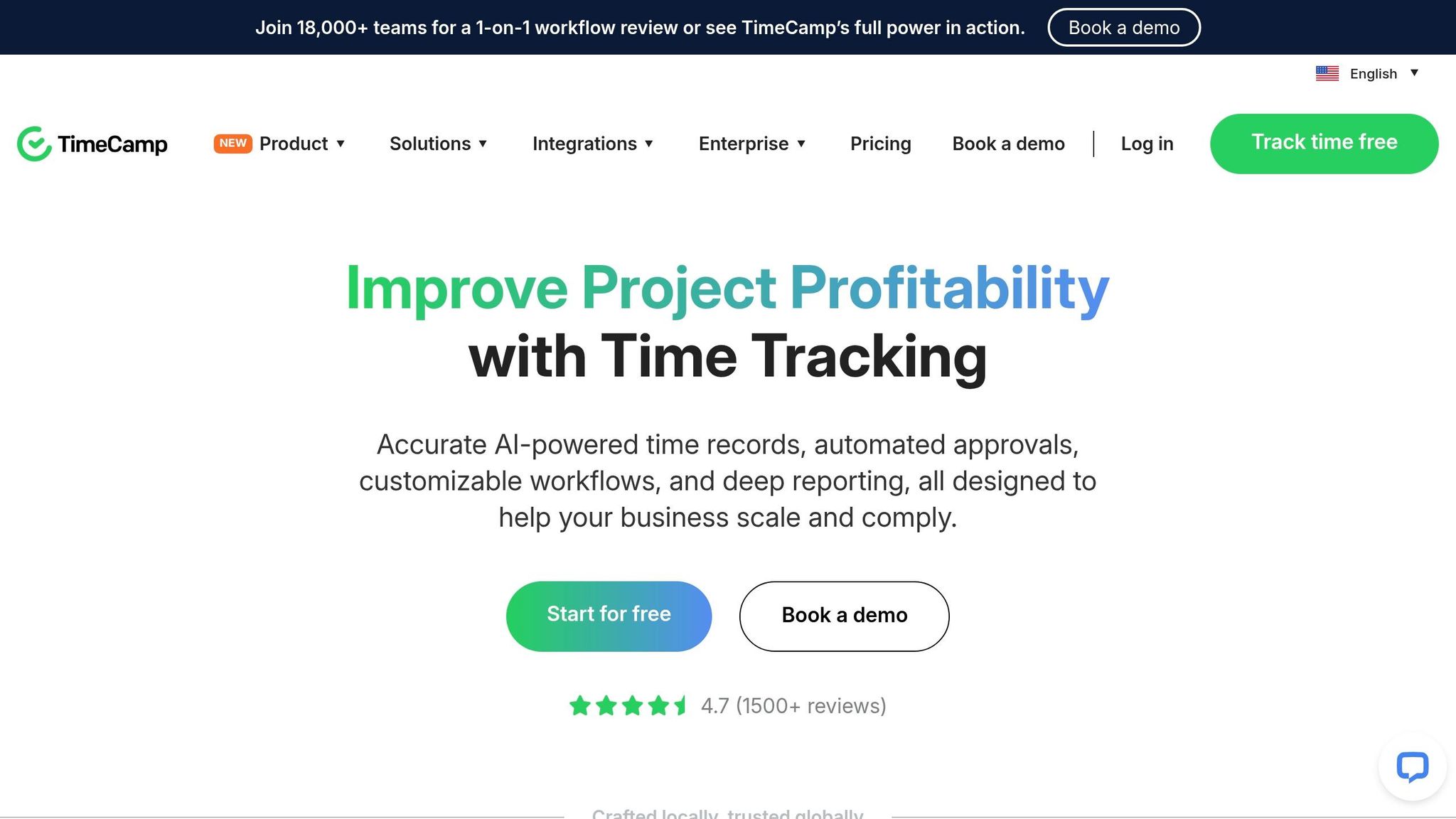
TimeCamp specializes in automatic time tracking that runs quietly in the background. It records the apps and websites you use, which can help capture 15–20% more billable time that might otherwise go unnoticed. For freelancers on the move, it even includes GPS tracking.
The free plan offers unlimited users and projects, bulk editing, graphical timesheets, and productivity reports that differentiate between billable and non-billable hours. With over 18,000 teams using it globally, TimeCamp has earned a 4/5 star rating.
However, its advanced features, like AI-powered categorization and extensive monitoring, can make it a bit harder to learn. Invoicing is only available on paid plans starting at $2.99 per user per month.
These tools each bring something different to the table, giving freelancers plenty of options to suit their specific needs.
Feature Comparison Table
Choosing the right time tracking tool means knowing what each one brings to the table in its free plan. Here's a quick comparison of four popular options:
| Feature | Toggl Track | Clockify | Harvest | TimeCamp |
|---|---|---|---|---|
| Free User Limit | 5 users | Unlimited | 1 user | Unlimited |
| Project Limit | Unlimited | Unlimited | 2 projects | Unlimited |
| Invoicing | Included | Paid add-on | Included | Included |
| Auto-Tracking | Keyword triggers | Idle detection | No | AI-driven tracking |
| Platforms | Web, mobile, and desktop (with browser extensions) | Web, mobile, and desktop (with browser extensions) | Web, mobile, and desktop (with browser extensions) | Web, mobile, and desktop (with browser extensions) |
| Key Strength | Intuitive interface with robust integrations | Scalable for growing teams | Streamlined billing workflow | In-depth productivity insights |
This breakdown highlights the unique strengths of each tool, helping you find the best fit for your needs. Toggl Track is a great pick for small teams, offering unlimited projects and built-in invoicing. Clockify, on the other hand, is ideal for freelancers or growing teams, thanks to its unlimited users and projects. Harvest works well for solo freelancers, though its two-project limit might feel restrictive if you’re juggling multiple clients. Finally, TimeCamp stands out with its AI-powered tracking, which can help capture those extra billable hours that often slip through the cracks.
Automatic tracking features, like those in TimeCamp, are especially useful for avoiding underbilling. In fact, studies suggest that freelancers can uncover an extra 2–3 billable hours per week by using these tools. Combining this with invoicing capabilities ensures you’re not only tracking time effectively but also getting paid on time.
Using Paid on Time with Time Tracking Tools
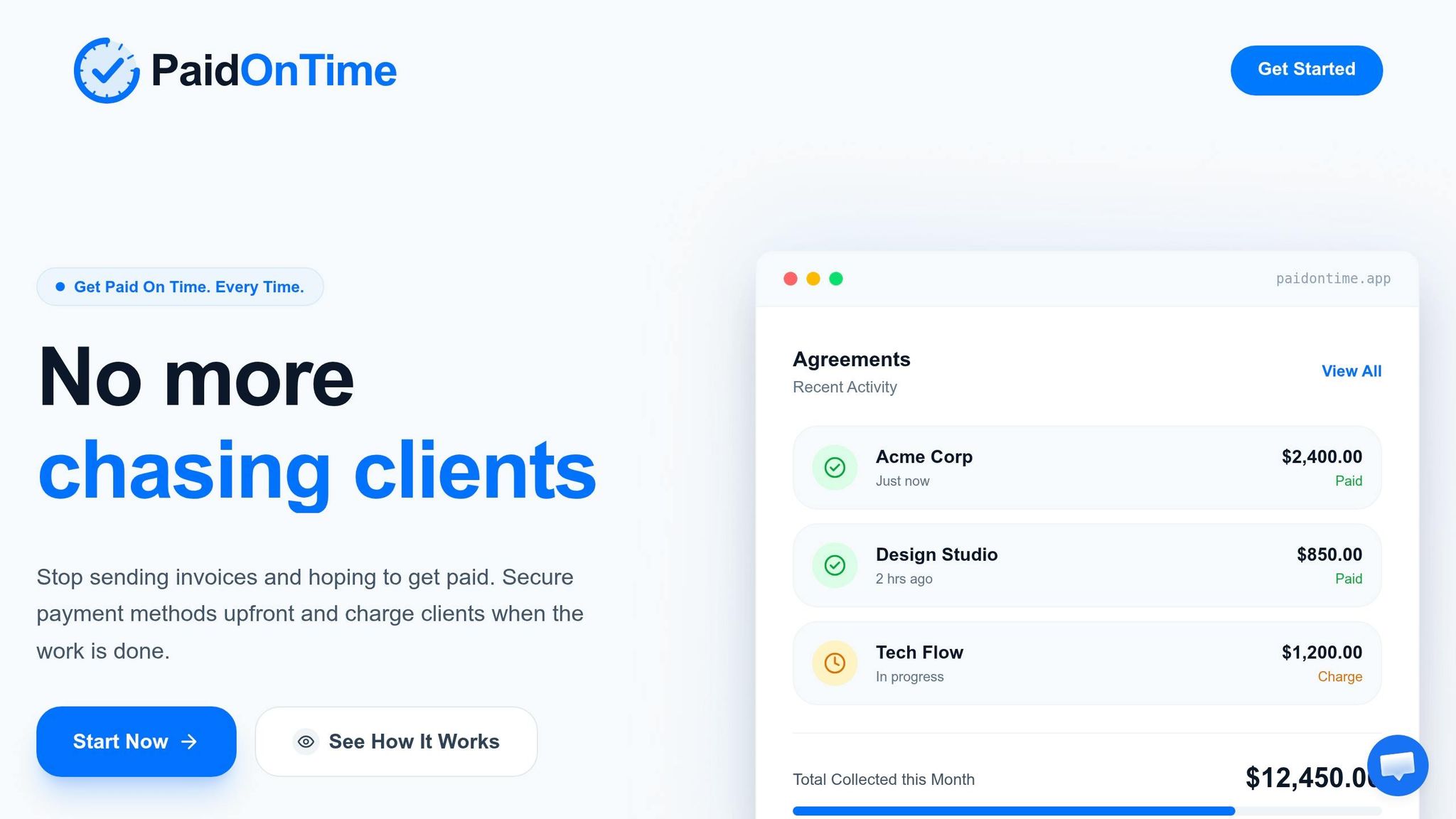
Free time tracking tools are great for keeping accurate records, but getting paid on time is equally important. That’s where Paid on Time steps in. It works effortlessly with your time tracker to remove any guesswork around payments. By setting up a binding agreement upfront, securing your client’s payment method, and charging with a single click, you can avoid delays caused by invoicing back-and-forth.
Popular tools like Clockify, Toggl Track, and Harvest let you export detailed reports in formats like CSV, PDF, or Excel. These reports serve as a clear audit trail to back up your charges and minimize disputes. You can even set billable rates directly in these tools, so when you export the reports, they automatically calculate what’s owed. From there, you can integrate these reports with Paid on Time for instant invoicing.
Combining accurate time tracking with Paid on Time means no more chasing late payments. With your client’s payment method locked in before you start and detailed reports verifying your hours, you can charge immediately - no more waiting weeks or months for your money.
Here’s a helpful tip: set aside 15 minutes every Friday to review your tracked hours before finalizing them for billing. Make sure to tag billable work separately to include only chargeable hours in your invoices. This simple habit helps catch errors early and keeps your cash flow consistent - exactly what Paid on Time is built to achieve.
Conclusion
Select your time tracker based on how you work and what you need for billing. If handling a large number of projects is your focus, Clockify offers unlimited projects for free - perfect for scaling up your operations. Freelancers who require built-in global payment processing might lean toward TopTracker, which has already processed 287,000 invoices and facilitated over $175 million in payments.
Each tool solves specific tracking challenges. Forget to start timers? Automatic trackers like TimeCamp can recover 15%–40% of billable hours that would otherwise be lost to manual tracking. Need to speed up invoicing? Harvest transforms tracked hours into professional invoices directly within the platform, saving you from exporting data.
Think about how much automation you need. Automated tools can reclaim lost billable time and often justify the small cost of premium features. On the other hand, if you're comfortable with manual timers and prefer strong free options, Toggl Track offers plenty without forcing you into a paid plan.
For the final step - getting paid - pair your tracker with Paid on Time. Export your reports from Clockify, Toggl Track, or Harvest as CSV or PDF files, and use Paid on Time to process payments instantly. This eliminates delays and keeps your workflow smooth, from time tracking to cash flow management.
At the end of the day, the best time tracker is the one that fits your routine and that you’ll actually use consistently. Choose based on how you work, not just the features, and you’ll spend less time on admin tasks and more time on the work that matters.
FAQs
What is the best free time tracker for invoicing?
TopTracker is a widely-used free time tracking tool designed with invoicing in mind. It enables freelancers to create invoices automatically based on the time they've tracked and even supports payments across the globe. This combination of features makes it a practical option for streamlining billing tasks.
How do auto-trackers help capture missed billable hours?
Auto-trackers work quietly in the background, logging your work time automatically. This means you don’t have to worry about forgetting to start or stop timers. As a result, your time tracking becomes more precise, helping you bill accurately and avoid losing out on billable hours.
How can I use time reports to charge clients faster with Paid on Time?
You can use time reports with Paid on Time to make client payments more efficient by offering clear and detailed billing information. Accurately log your hours, generate a report that outlines both billable and non-billable time, and send it directly to your client. The platform streamlines the entire process by helping you set agreements, secure payment methods in advance, and process charges with just one click. This means quicker invoicing and fewer payment delays.