Top 7 Digital Signature Tools for Freelancers
Top 7 Digital Signature Tools for Freelancers
Freelancers often lose valuable time on manual contract signing processes. Digital signature tools solve this by enabling quick, secure, and legally binding agreements. These tools streamline workflows with features like reusable templates, automatic reminders, and mobile-friendly signing, ensuring efficiency while building client trust. Many platforms even offer free plans for low-volume users, with paid options starting as low as $8/month.
Here’s a quick overview of the top digital signature tools for freelancers:
- Paid on Time: Combines contract signing with payment collection. No monthly fees; 5% transaction fee.
- DocuSign: Trusted, widely used platform starting at $10/month. Offers strong security and integrations.
- PandaDoc: Free plan supports up to 60 documents/year. Paid plans from $19/month include advanced features.
- SignNow: Affordable at $8/month with robust mobile apps and compliance tools.
- Dropbox Sign: Simple and efficient with a free plan for 3 docs/month or $15/month for unlimited use.
- Adobe Acrobat Sign: Includes PDF editing with unlimited e-signatures starting at $12.99/month.
- SignWell: Budget-friendly at $8/month, with a free tier for 3 docs/month.
Quick Comparison
| Tool | Starting Price | Free Plan | Key Feature | Limitation |
|---|---|---|---|---|
| Paid on Time | 5% per transaction | No monthly fees | Payment collection after signing | Transaction-based pricing |
| DocuSign | $10/month | Trial only | Trusted brand, strong compliance | 5-envelope limit on Personal plan |
| PandaDoc | $19/month | 60 docs/year | Proposal builder, analytics | No invoicing or project tools |
| SignNow | $8/month | None | Strong mobile apps | Fewer integration options |
| Dropbox Sign | $15/month | 3 docs/month | User-friendly interface | Limited branding on lower plans |
| Adobe Acrobat Sign | $12.99/month | Trial only | PDF editing with e-signing | Higher cost for advanced features |
| SignWell | $8/month | 3 docs/month | Predictable pricing | Watermarks on free tier |
Choose the tool that fits your workflow, document volume, and budget. Most offer free trials, so test a few to find your best match.
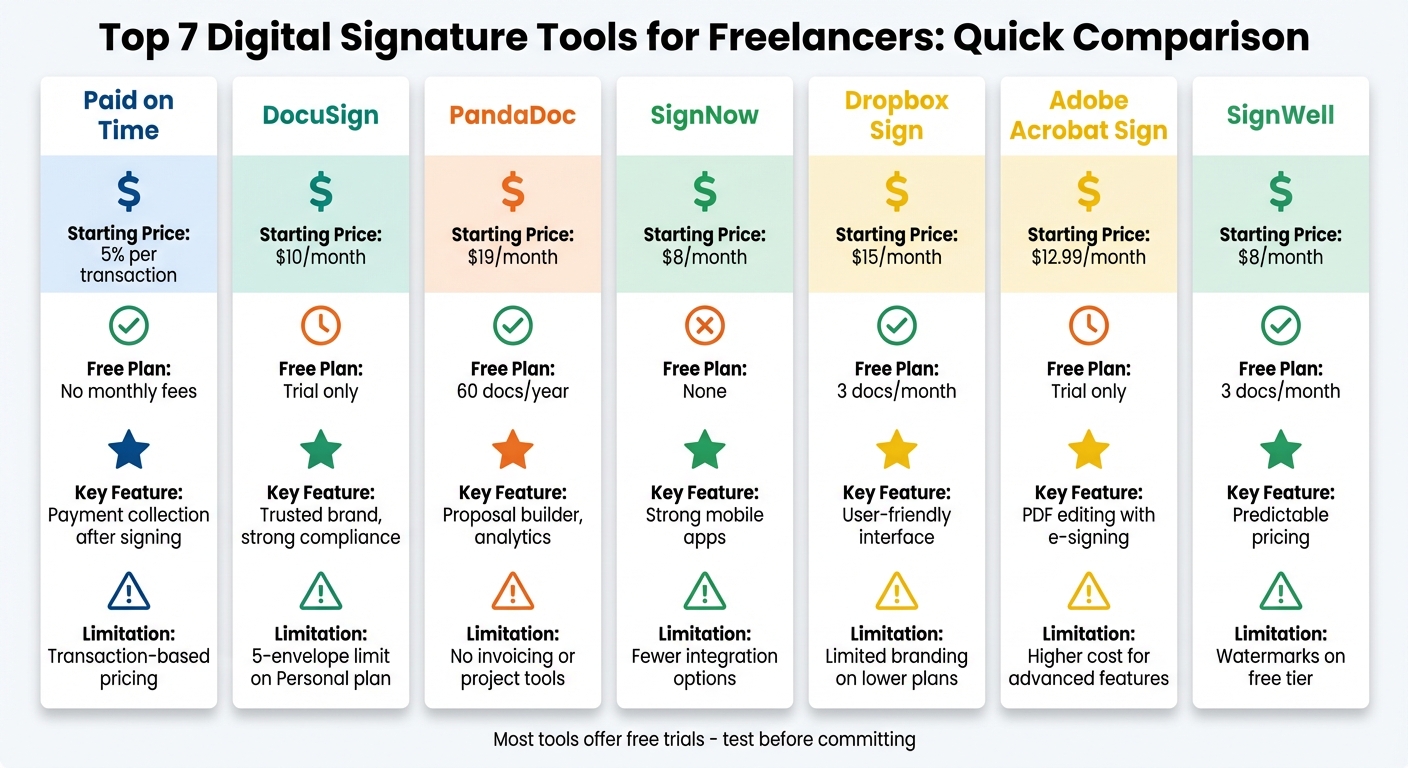
Digital Signature Tools Comparison: Pricing and Features for Freelancers
7 Best eSignature Software Tools 2024: signNow, Adobe Sign, PandaDoc & More
sbb-itb-66f4c95
1. Paid on Time
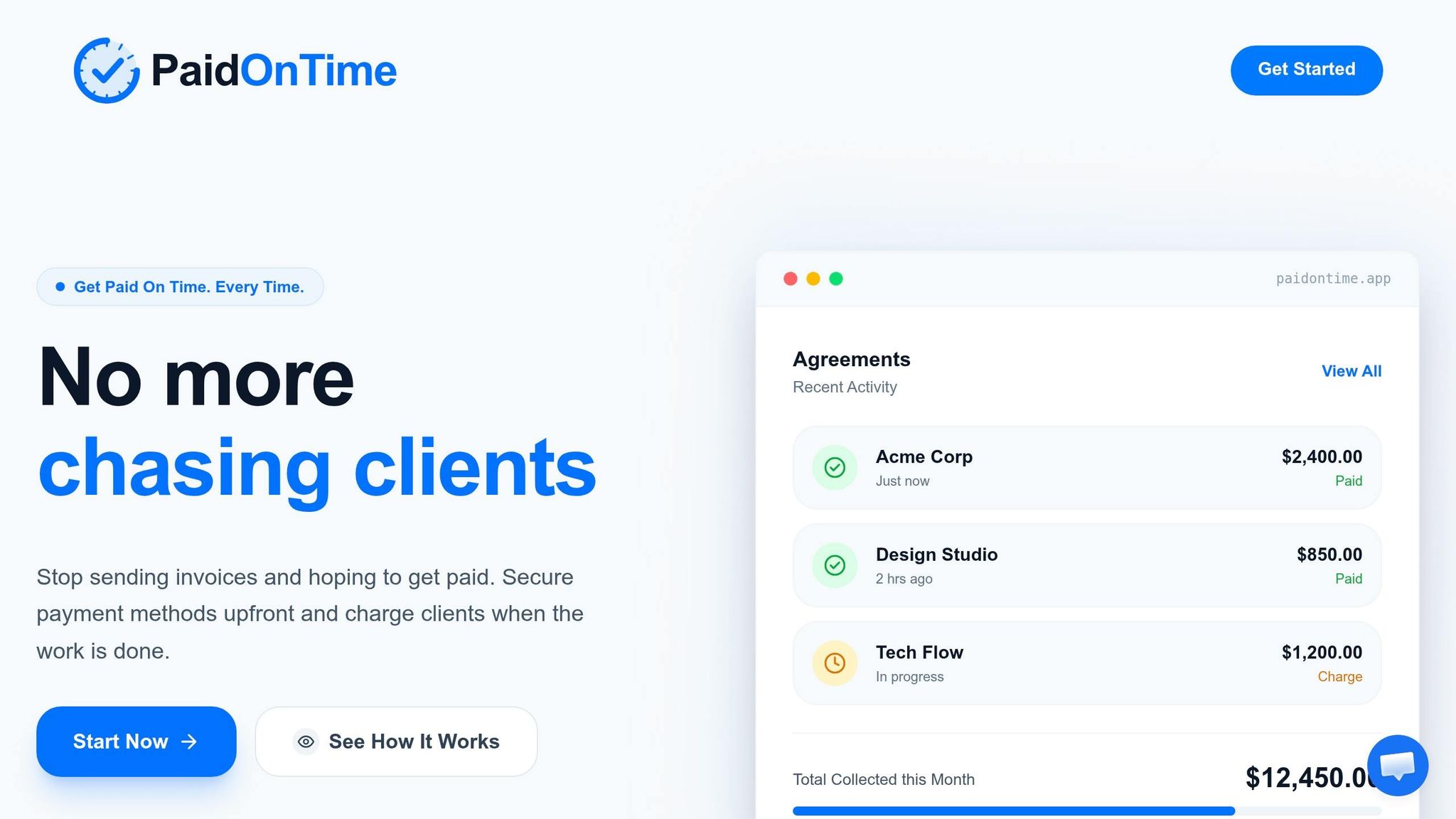
Paid on Time combines contract signing with payment security by ensuring a payment method is secured upfront during the agreement process. Once your work is finished, you can charge your client with just one click - no need for manual invoicing.
Cost-Effective for Freelancers
- Pricing: 5% per transaction, with no monthly fees. You only pay when you get paid.
Contracts That Protect Your Rights
Paid on Time allows you to draft legally binding contracts that include provisions like delaying the transfer of intellectual property until full payment is received. This feature helps safeguard your rights in case of disputes.
Mobile-Friendly Convenience
The platform works smoothly across all devices, making it easy for clients to sign agreements directly from their smartphones. Plus, it automatically organizes payment records, offering a streamlined and secure experience by combining signing and payment features in one platform.
2. DocuSign
DocuSign stands out as one of the most recognized platforms for electronic signatures, handling over 1 billion transactions each year. Its established reputation helps build trust with clients. Maintaining this trust is essential for getting paid on time and avoiding payment delays. Let’s take a closer look at its pricing and features for freelancers.
Pricing for Freelancers
The Personal plan starts at $10 per month (billed annually), allowing up to 5 envelopes, with extra usage billed on a pay-as-you-go basis. For those needing more, the Standard plan costs $25 per user per month (also billed annually) and increases the limit to 100 envelopes per year. However, freelancers requiring additional tools like invoicing or project management may find the costs stacking up since DocuSign focuses primarily on electronic signatures.
Legally Binding and Secure
DocuSign ensures that all agreements comply with the U.S. ESIGN Act and UETA regulations. This compliance guarantees that documents are legally binding and secure. Each signed document includes an audit trail with details like IP addresses, timestamps, and signer identity, making it admissible in court. For those handling sensitive data, the platform also meets compliance standards such as HIPAA, FERPA, and SOC 2 Type II, which adds another layer of reliability.
Seamless Integration with Tools
DocuSign integrates with over 1,000 popular applications. It works seamlessly with tools like Google Workspace, Microsoft 365, Dropbox, Salesforce, Slack, and HubSpot. This means you can send and track documents directly from platforms such as Gmail, Outlook, or Google Docs. However, some users have noted occasional challenges with field mapping in CRM integrations, so double-checking synced contract details is a smart move.
Mobile-Friendly Functionality
DocuSign’s mobile apps for iOS and Android allow freelancers to send, sign, and track documents from anywhere. This feature is especially handy for collecting signatures during in-person client meetings, eliminating the need for paper forms. While the mobile interface is generally well-received, some users have mentioned that navigating it can feel a bit complicated at times.
3. PandaDoc
PandaDoc provides a user-friendly drag-and-drop editor, making it simple to create professional proposals and contracts. With over 68,000 companies using the platform and a 4.7/5 rating on G2 from 3,252 reviews (as of March 31, 2026), it’s a popular choice. Here's a closer look at its pricing and features tailored for freelancers.
Affordable Options for Freelancers
For freelancers, PandaDoc offers a Free eSign plan, allowing up to 60 legally binding documents per year at no charge - a great fit for those managing a few agreements monthly. If you need more flexibility, the Launch plan is available for $9 per month. It also includes 60 documents annually, with a $3 fee for each additional document. For unlimited uploads and e-signatures, the Starter plan is priced at $19 per month. Regardless of the plan, your clients can sign documents for free on any device - no account required.
Legally Enforceable Contracts
PandaDoc ensures all signatures meet the standards of the U.S. ESIGN Act and UETA regulations, making your contracts legally enforceable. Each document comes with a digital certificate that records the signer’s identity, IP address, timestamp, and activity history. The platform also prioritizes security with SOC 2 Type II certification, HIPAA compliance, and encrypted data (both in transit and at rest). For sensitive documents, you can add extra security features like passcode or SMS verification.
Seamless Integration with Freelance Tools
PandaDoc integrates with popular tools such as HubSpot, Salesforce, Zoho, Pipedrive, Slack, and Zapier. If you need CRM and payment integrations, the Business plan at $49 per month unlocks these capabilities. In fact, ChiliPiper reported a 28% boost in their close rate in 2024 after incorporating PandaDoc into their workflow.
Mobile Accessibility Made Easy
With dedicated apps for iOS and Android, you can create, track, and sign documents from anywhere. These mobile features are included with all paid plans, giving you complete control over your document workflow, even when you're away from your desk.
4. SignNow
SignNow is a cost-effective e-signature solution, earning an overall expert rating of 8.1/10 and a flawless 10/10 for e-signature compliance. It's trusted by 45,000 businesses worldwide for its reliability and functionality.
Affordable Options for Freelancers
For freelancers needing occasional signatures, SignNow's free plan allows up to 3 documents per month. If you need more, the Business plan is priced at $8 per month with annual billing, offering a 60% savings compared to the $20 monthly rate. As Will Cannon from Signaturely puts it:
SignNow's Business plan is an ideal e-signature solution for small teams and individuals.
All plans include access to the mobile app and essential e-signature tools.
Ensuring Legally Binding Documents
SignNow adheres to key legal standards, including the ESIGN Act, UETA, eIDAS, and GDPR, ensuring your signatures are legally binding. The platform also provides a detailed audit trail with timestamps, IP addresses, and signer authentication, making documents admissible in court. Clients can sign without creating an account, streamlining the process while maintaining legal validity. Additionally, SignNow is certified for security with HIPAA, SOC 2 Type II, and PCI DSS compliance.
Seamless Integration with Freelance Tools
SignNow connects with over 250 apps, such as Google Workspace, Microsoft 365, Google Drive, Dropbox, OneDrive, and Microsoft Teams, allowing you to integrate e-signatures directly into your workflow. Advanced users can leverage API access on higher-tier plans or integrate with thousands of other tools via Zapier.
Mobile-Friendly Features
SignNow's iOS and Android apps let you prepare documents, collect in-person signatures, and even sign offline. The iOS app boasts a 4.6/5 rating from over 65,860 reviews, while the Android app scores 4.7/5 from more than 9,700 reviews. These mobile capabilities make it a practical choice for freelancers on the go.
5. Dropbox Sign
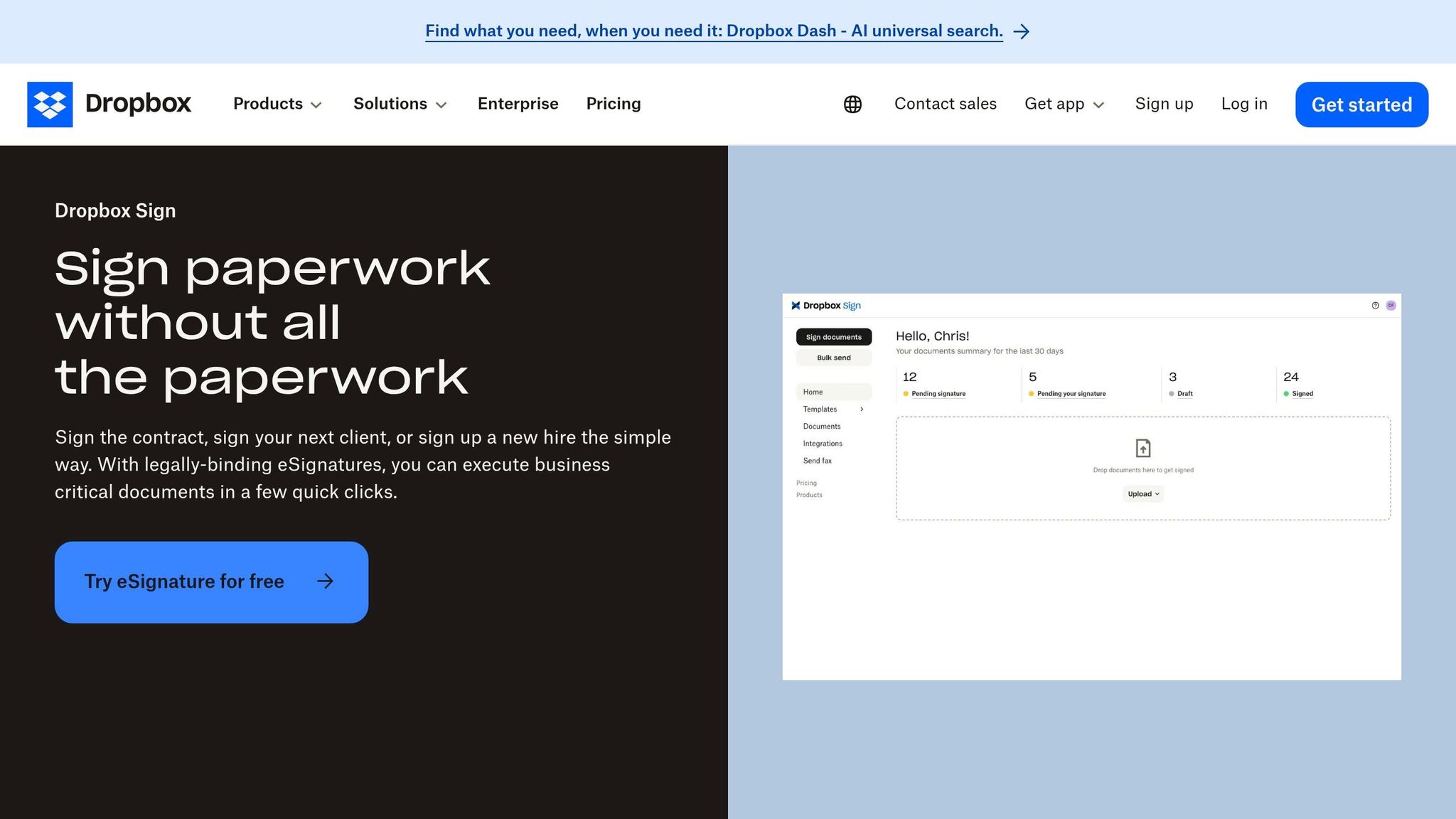
Dropbox Sign (formerly HelloSign) stands out as a user-friendly and legally reliable tool. It's been ranked #1 for ease of use on G2 for four years straight, making it a go-to option for freelancers who want a simple and efficient signing experience. The platform speeds up document turnaround by 80% and boasts a 96% completion rate, thanks to its integrated reminders.
Affordable Options for Freelancers
For freelancers with occasional contracts, the free plan allows up to 3 signature requests per month. If you handle more contracts, the Essentials plan offers unlimited signature requests for $15/month (or $10.05/month if billed annually). Plus, your clients can sign documents without needing their own Dropbox Sign account or subscription, making the process hassle-free.
Legally Secure Signatures
Dropbox Sign ensures every signature meets the requirements of the U.S. ESIGN Act of 2000 and European eIDAS regulations, guaranteeing legal validity. Each document includes a non-editable audit trail with timestamps for added transparency. Security is a priority, with 256-bit AES encryption at rest, TLS encryption in transit, and compliance with ISO 27001, SOC 2 Type II, and GDPR standards. This comprehensive security framework makes it a dependable choice for freelancers.
Seamless Integration with Freelance Tools
The platform integrates smoothly with tools freelancers often rely on, such as Google Drive, Microsoft Word, HubSpot, Slack, and Dropbox. The Essentials plan also includes 5 reusable templates, perfect for standardizing frequently used documents like NDAs or service agreements, saving time and effort. Jason Lew, Director and Founder, highlights its convenience:
HelloSign [now Dropbox Sign] is extremely convenient for us to use since everything can be signed on a mobile device anywhere at anytime. It saves me and my clients a lot of time.
Mobile-Friendly Access
Dropbox Sign extends its usability with robust mobile features. Its iOS and Android apps enable users to send, sign, and even handle in-person signatures on the go. This flexibility has proven effective, boosting sales team performance by 45% through mobile signing capabilities. With support for 22 languages, the platform is also well-suited for freelancers working with clients across the globe.
6. Adobe Acrobat Sign
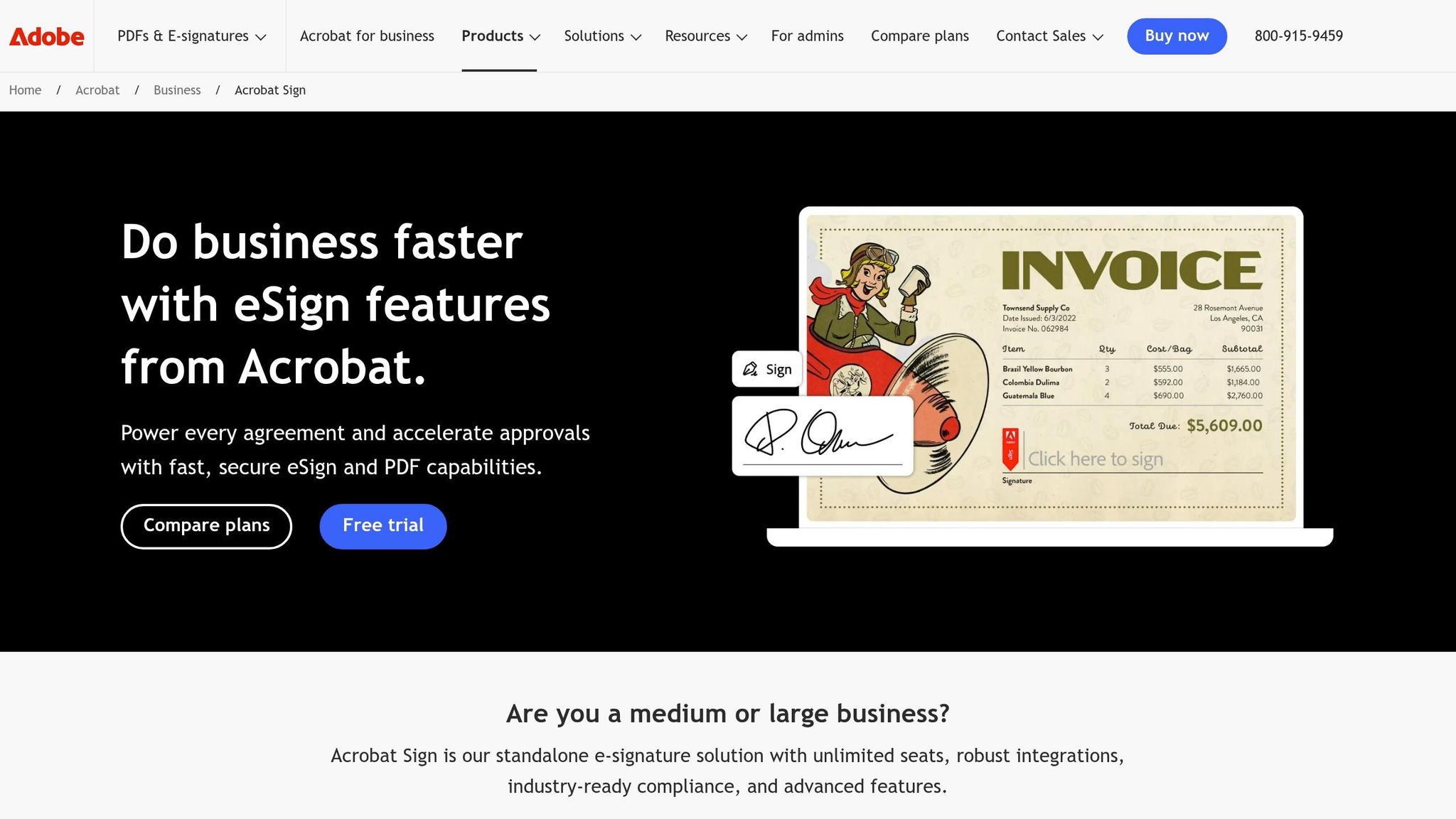
Adobe Acrobat Sign combines e-signature tools with a full PDF editor, making it a practical option for freelancers handling contracts. With over 8 billion documents signed to date, the platform holds an overall rating of 8.0/10 from around 3,500 reviews as of March 2026.
Pricing Options for Freelancers
Adobe offers plans tailored for individual users. The Acrobat Standard plan starts at $12.99/month, while Acrobat Pro is priced at $19.99/month. Both plans include unlimited e-signatures, a feature not available in team-based plans, which limit usage to 150 transactions per user annually. A 7-day free trial is also available. For freelancers needing features like custom branding, payment collection, or bulk sending, the Acrobat Pro plan offers added functionality.
Secure and Legally Compliant Signatures
Signatures created with Adobe Acrobat Sign comply with the U.S. ESIGN Act and UETA standards. Each transaction includes a tamper-evident audit trail, recording signer identity, IP address, and timestamps. Beyond these standards, Adobe also supports compliance with HIPAA and FDA 21 CFR Part 11, addressing the needs of regulated industries. Leigh Phillips, Executive Coordinator at Atlantic Grocery Distributors, shared:
With Acrobat Pro, we've really upped our level of professionalism from our previous methods - with our customers, our vendors, and with each other.
Integration with Essential Tools
Adobe Acrobat Sign integrates seamlessly with Microsoft 365, enabling users to send and sign documents directly in Word, Outlook, and Teams. It also connects with popular cloud storage services like Google Drive, Dropbox, Box, and OneDrive. For freelancers looking to streamline workflows, the platform works with Zapier to automate tasks, simplifying document management. These integrations extend to mobile devices, ensuring flexibility for users on the move.
Mobile-Friendly Features
The Adobe Acrobat mobile app allows you to scan paper documents into PDFs and sign them right from your smartphone or tablet. Once you capture your signature, it syncs across all devices via Adobe Document Cloud. While the app is ideal for signing and basic tasks, more complex document editing is better suited for desktop use. Additionally, the "Fill & Sign" feature ensures you can handle urgent agreements anytime, anywhere.
7. SignWell
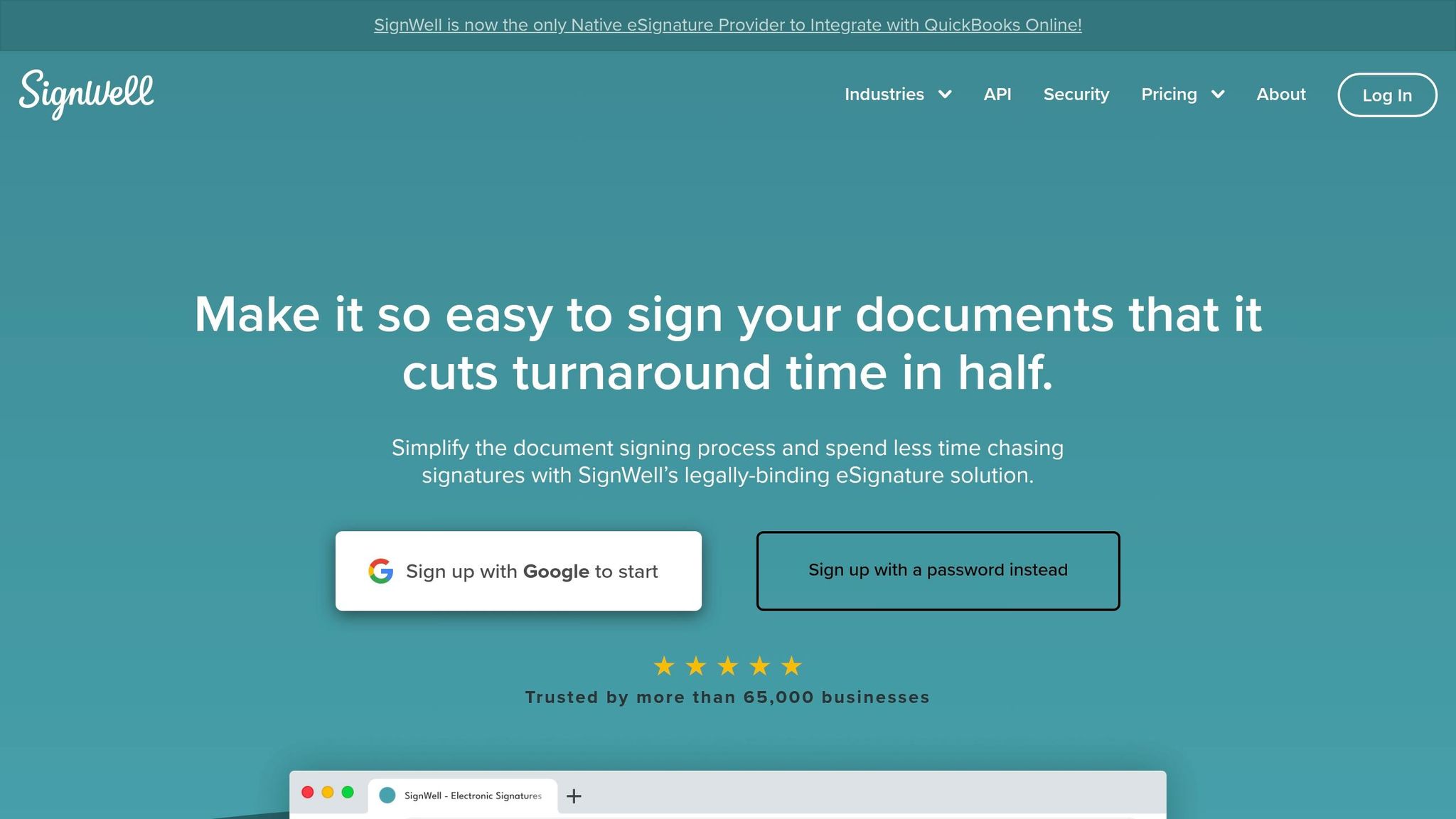
SignWell offers professional e-signature tools at a competitive price, serving over 65,000 businesses and earning a stellar 4.9/5 rating on Capterra.
Budget-Friendly for Freelancers
SignWell's pricing is designed with solo users in mind. The Personal plan costs $8 per month when billed annually (or $10 monthly) and includes unlimited document signing with five templates. For freelancers just starting with e-signatures, there's even a free tier that allows up to three documents per month. Consultant Elizabeth LeConey shared her experience:
I was searching for an affordable simple system to upload and send agreements to clients. SignWell was the easiest to use and allowed me to get exactly what I wanted without having to pay for extras I didn't need.
Unlike other platforms that charge per-envelope or per-document fees, SignWell offers predictable monthly costs. The Business plan, for example, is priced at $24 per month (billed annually) and supports up to three senders with unlimited templates and documents.
Legally Secure Signatures
Signatures created through SignWell comply with the U.S. Federal ESIGN Act and UETA, ensuring their legal validity. Each signed document includes a tamper-proof audit trail that logs signer identities, email addresses, IP addresses, and timestamps. Additionally, the platform adheres to international eIDAS standards, making it a reliable choice for freelancers working with global clients. These legal assurances, combined with seamless integrations, help streamline workflows.
Seamless Integration with Freelance Tools
SignWell connects with over 5,000 apps through Zapier and offers a developer-friendly API that includes 25 free documents per month. A standout feature is its integration with QuickBooks Online, simplifying accounting tasks. Stephen Rhyne, Founder of ConveYour, praised the platform:
SignWell's API makes seamlessly embedding document signing into our customers' flows super simple... After working with a ton of electronic signature tools we chose to integrate SignWell directly.
Mobile-First Accessibility
SignWell is fully optimized for mobile browsers, enabling users to handle approvals on the go. While it doesn’t have a dedicated mobile app, recipients can sign documents on any smartphone or tablet without downloading software or creating an account. The mobile-friendly design ensures quick contract approvals, though more complex edits are better suited for desktop use. All plans include 24/7 live human support for added peace of mind.
Feature and Pricing Comparison
Here's a straightforward look at features and pricing to help you find the best tool for your freelance needs.
When picking a tool, consider both the monthly cost and the features you can't do without. Pricing ranges from $8/month to $40/month, so it's essential to prioritize what matters most.
| Tool | Starting Price | Free Plan | Key Strength | Major Limitation |
|---|---|---|---|---|
| Paid on Time | 5% per transaction | No monthly fees | Simplifies payment collection after signing | Charges per transaction |
| DocuSign | $10/month | Trial only | Well-known, trusted brand | 5-envelope limit on Personal plan |
| PandaDoc | $19/month | Unlimited eSign | Includes proposal builder and analytics | Lacks tools for project management and invoicing |
| SignNow | $8/month | None | Strong mobile apps and templates | Limited integration options and compliance features |
| Dropbox Sign | $15/month | 3 docs/month | Sleek interface with auto cloud sync | Minimal branding options on lower plans |
| Adobe Acrobat Sign | $9.99/month | Trial only | Combines PDF editing with e-signing | 10-envelope limit on Individual plan |
| SignWell | $8/month | 3 docs/month | Great value for low-volume users with a free tier | Watermarks on Starter plan documents |
DocuSign and Adobe Acrobat Sign place caps on envelopes, making frequent users consider pricier plans. For instance, if DocuSign's Personal plan ($10/month) doesn't meet your needs, the Standard plan at $25/month might be necessary. On the other hand, PandaDoc stands out by offering unlimited signatures in its free tier, though premium features like CRM integrations and analytics kick in at $19/month.
Paid on Time offers a unique solution by combining e-signing and payment collection. Unlike traditional e-signature tools that stop at the contract stage, this tool allows you to secure payment details upfront and charge clients with a single click once the work is done. With no subscription fees, the 5% transaction fee ensures you only pay when you get paid - ideal for avoiding monthly costs.
For budget-conscious freelancers, SignWell and SignNow are solid choices at $8/month, with SignWell adding extra value through its free tier (3 docs/month). If you're already using Dropbox, Dropbox Sign at $15/month integrates seamlessly with automatic cloud syncing. Meanwhile, Adobe Acrobat Sign provides a versatile option for $9.99/month, blending PDF editing with e-signing - perfect for those already in the Adobe ecosystem.
This breakdown highlights the trade-offs and strengths of each tool, helping you make an informed decision.
Conclusion
Digital signature tools have become a game-changer for freelancers, slashing administrative tasks and turning processes that once took days into just minutes. Some organizations have even drastically reduced their reliance on paperwork after adopting e-signature solutions.
When choosing the right tool, focus on three main factors: monthly document volume, workflow requirements, and budget. If your needs are minimal, free tiers might work perfectly. However, if you handle a high volume of documents, unlimited plans could save you time and effort. For freelancers juggling tasks beyond signatures, all-in-one platforms that combine contracts, project management, and invoicing can simplify your workflow. Just make sure the tool aligns with your security expectations.
Speaking of security, it’s non-negotiable. Most reliable tools comply with the ESIGN Act (US) and eIDAS (EU), offering features like audit trails with timestamps and IP addresses to ensure signatures are legally sound. If privacy is a concern, browser-based tools that process files locally are worth exploring, especially if you’re handling sensitive information.
For freelancers looking to streamline even further, tools that integrate automation can be a huge time-saver. Imagine signing a contract and instantly triggering workflows like creating projects, sending invoices, or even collecting payments. Tools like Paid on Time take it a step further by securing payment details upfront and enabling one-click charges after work is completed - helping you avoid payment delays.
Don’t forget to test the mobile experience. Many clients prefer signing documents on their phones, so a seamless mobile signing process can be the difference between closing a deal quickly or facing unnecessary delays. And with nearly 50% of e-signature tools offering free or freemium plans, there’s no reason to stick with outdated paper-based methods.
FAQs
Are digital signatures legally binding in the U.S.?
Yes, digital signatures hold legal validity in the U.S. under the ESIGN Act and UETA. These laws ensure that electronic signatures are treated the same as handwritten ones, as long as certain conditions are satisfied - such as the signer’s intent to sign and their consent to conduct business electronically.
What’s the difference between a signature request and an envelope?
A signature request involves sending a document to someone, asking them to sign it electronically. An envelope, on the other hand, acts as a container that can hold multiple documents and signature requests. This allows you to send several documents for signing at once, either all at the same time or in a specific sequence, often involving multiple signers.
How do I choose the right plan for my monthly contract volume?
To find the right plan, start by reviewing your usual monthly contract volume and comparing it to the plan's limits - this helps you steer clear of extra charges. Pay attention to features like audit trails, authentication, and automation that can streamline your workflow. Pricing often begins at $10 to $50 per user each month, with options that grow alongside your needs. Take the time to evaluate your usage to ensure the plan aligns with your budget and offers the tools you require.