Freelance Payment Calculator
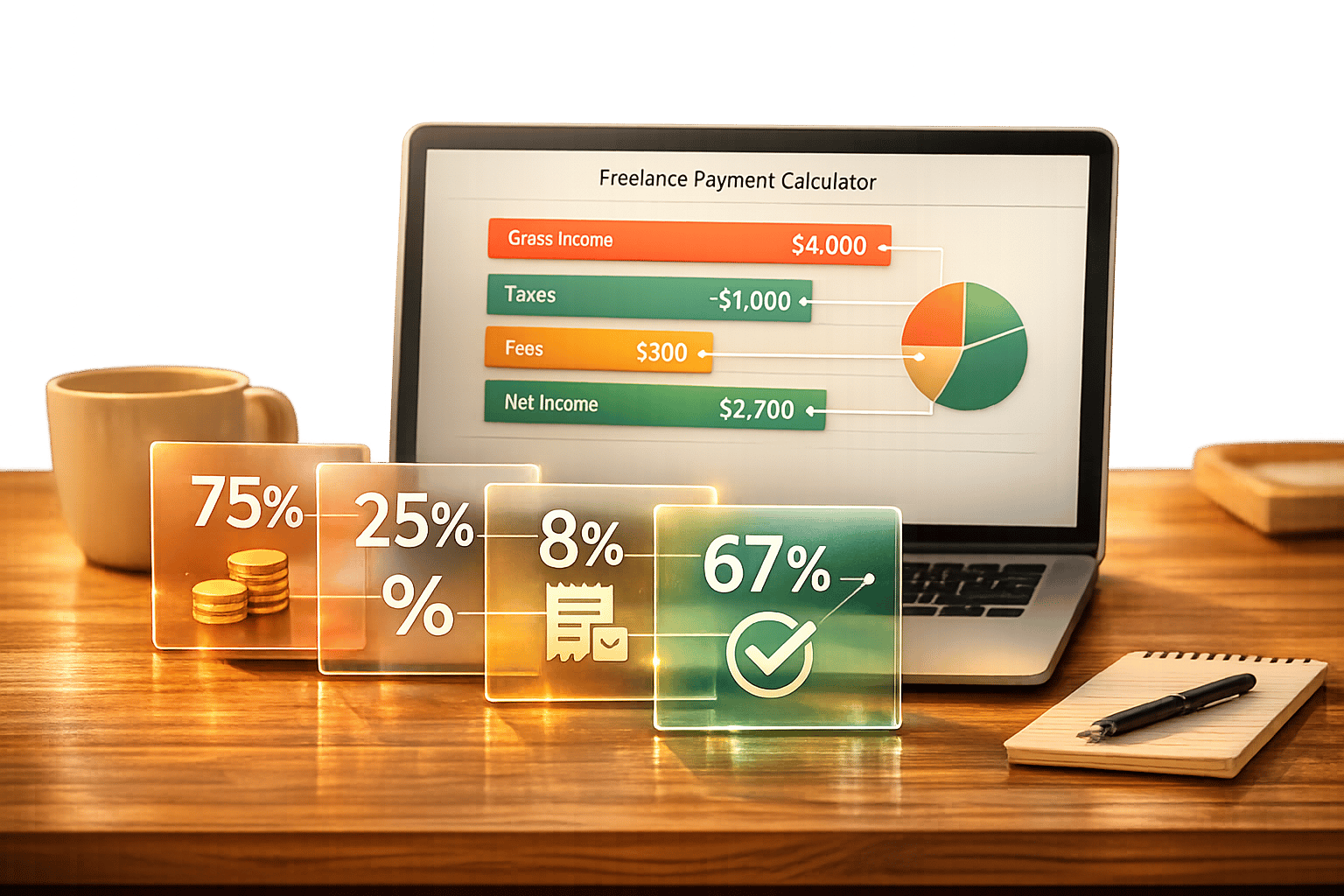
Freelance Payment Calculator
Maximize Your Earnings with a Freelance Payment Calculator
Freelancing offers incredible freedom, but figuring out your actual take-home pay can be a headache. Between taxes, platform charges, and unexpected deductions, it’s easy to lose track of what you’re really earning. That’s where a tool to calculate freelance earnings comes in handy. It simplifies the math, giving you a transparent view of your finances without the stress.
Why Tracking Your Net Income Matters
As a freelancer, every project counts, and knowing your net income after deductions helps you budget smarter. Whether you’re paying a percentage to platforms like Upwork or setting aside funds for taxes, having a clear breakdown ensures you’re not caught off guard. A reliable net payment tool lets you input variables like project totals and fees, then instantly shows how much you’ll pocket. This clarity empowers you to negotiate better rates or adjust for expenses. Plus, it saves time—time you can spend on landing your next gig instead of crunching numbers. If you’re serious about freelancing, using smart tools to manage your income is a must for long-term success.
FAQs
How does this calculator handle different currencies?
Our tool accepts input in any currency you choose, like USD, EUR, or GBP. The output will match your input currency for consistency. While we currently use placeholder conversion rates for simplicity, you can manually adjust the project amount if you’re working across currencies. We’re working on integrating real-time rates for even more accuracy down the line!
Can I use this tool for multiple projects at once?
Right now, the calculator is designed for single projects to keep the breakdown clear and focused. If you’ve got multiple gigs, just run the tool separately for each one and jot down the results. It’s quick, and you’ll have a precise net amount for every project without any mix-ups.
What if I don’t know my exact tax percentage?
No worries! If you’re unsure about your tax rate, just leave it at the default 0% or input an estimate based on your location or past returns. This tool is flexible, so you can play around with different percentages to see how they impact your net earnings. For exact figures, chatting with a tax pro might be a good next step.